


AI Tools for Trip Planning: What Works and What Doesn’t
Planning a trip used to mean 40 open tabs, three spreadsheets, and one very tired travel partner. Now, AI tools for trip planning let you type “five days in Vietnam, mid-range budget, I love street food” and get a full itinerary in seconds.
AI tools for trip planning have become good enough to save you real time. They can also make confident mistakes. This guide covers which types of tools are worth using, how to get useful answers from them, and where you still need to check the facts yourself.
What AI Does Well When You Plan a Trip
An AI trip planner is at its best when you need ideas and structure, not final facts. It handles these jobs well:
- First-draft itineraries. Give it your dates, budget and interests, and it will give you a day-by-day outline to edit.
- Comparing areas. Ask where to stay in Bangkok for nightlife versus quiet evenings, and you get a quick pros-and-cons list.
- Packing lists. Tell it the season, the weather and the activities, and it builds a list in a few seconds.
- Translation and phrases. Useful for menus, directions and polite basics in the local language.
- Decision fatigue. When you have 12 possible stops and only 5 days, it can help you cut the list.
Think of it as a fast, well-read friend who has never actually been there.
The 3 Types of AI Tools for Trip Planning
1. General AI assistants
ChatGPT, Claude and Gemini fall into this group. They are flexible, so you can keep refining: “make day two less rushed” or “swap the museum for something outdoors.” The downside is that they may not have live prices or current opening hours.
2. Dedicated AI trip planners
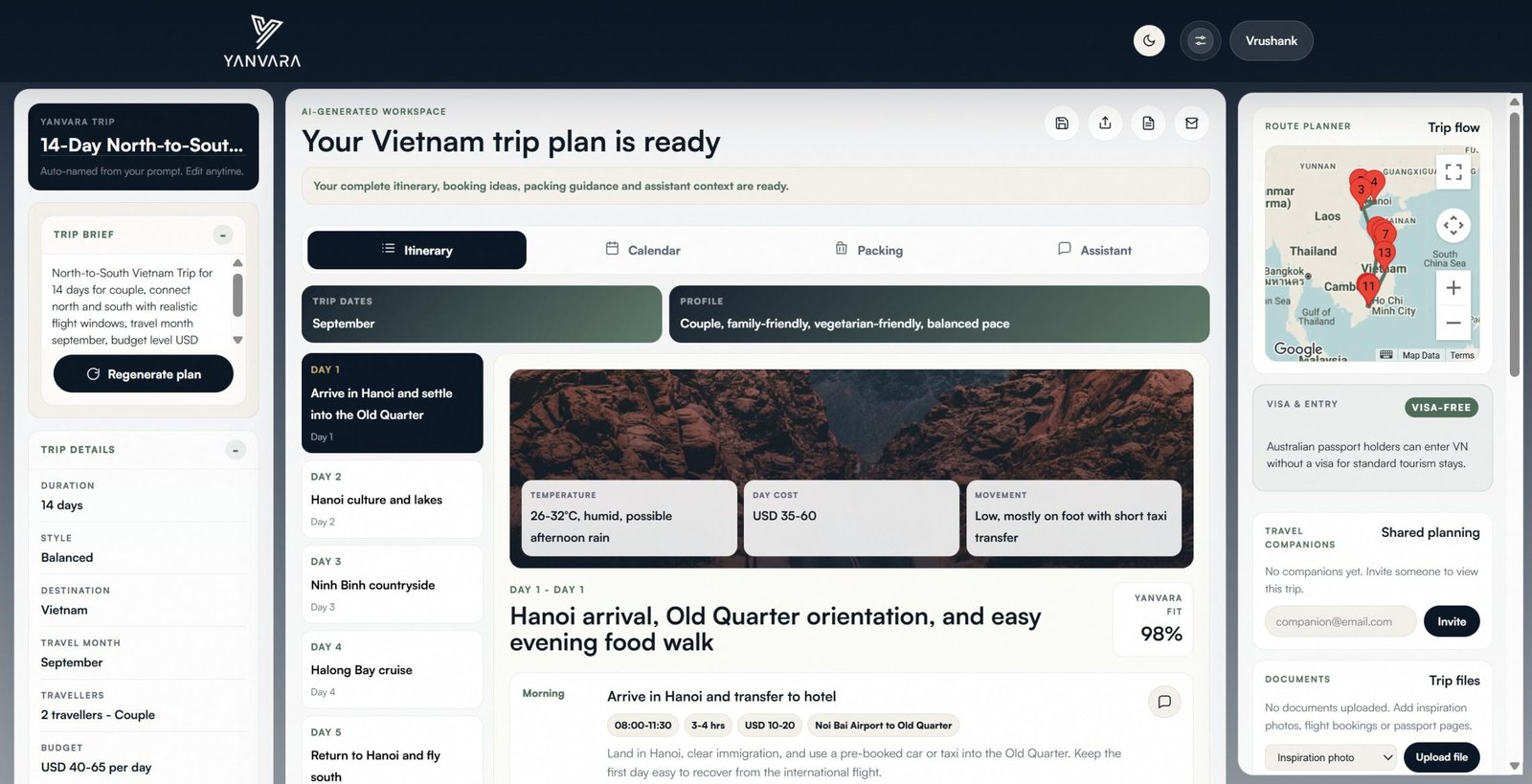
Apps such as Wanderlog, Mindtrip and Layla are built around itineraries, maps and saved places. They are easier to use if you want everything in one place. Features and pricing change often, so check what each app offers today before you commit.
3. Tools you already use
Google Maps, flight search engines and booking sites now include smart suggestions and price alerts. They are less creative than a chatbot, but they are connected to real listings, which makes them better for checking facts.
Most people get the best results by combining the first and third types: a chatbot for ideas, then a mapping or booking tool for facts.
How to Write a Prompt That Gives You a Useful Itinerary
Vague questions get vague answers. The more detail you give your AI trip planner, the less editing you do later. Try something like this:
Plan 7 days in Thailand for two adults. Budget: $80 per day total. We like street food, temples and slow mornings. We hate long transfers. Start in Bangkok and end in Chiang Mai. Show travel time between stops.
A few habits make a big difference:
- State your budget, travel dates and group size.
- Say what you do not want, not just what you do.
- Ask for travel times between stops. This stops the itinerary from being unrealistic.
- Ask follow-up questions. The first answer is a draft, not a plan.
Where AI Tools for Trip Planning Get It Wrong
This is the part most guides skip. AI tools for trip planning can sound completely sure of themselves while being completely out of date.
Visa and entry rules. These change often, and a chatbot may repeat a rule that no longer applies. Before you book anything, confirm the requirements on the official government site. If you are heading to Southeast Asia, this e-visa guide explains how e-visas work for popular Asian destinations and what to check before you apply.
Opening hours and closures. A temple that was open last year may be closed for renovation now. Always look up the place on Google Maps.
Prices. Hotel, flight and entry prices move constantly. Treat any number from an AI answer as a rough guess.
Travel times. Some itineraries squeeze in too much. If a plan has you crossing a country in the morning and visiting four sights in the afternoon, it is probably too tight.
Invented places. Occasionally an AI will mention a restaurant or attraction that does not exist. If you cannot find it on a map with recent reviews, skip it.

A Simple 5-Step Workflow
- Draft with AI. Ask for a rough itinerary based on your budget and interests.
- Check entry rules. Confirm your visa and passport requirements on the official government website.
- Verify every stop. Look up opening hours, location and recent reviews on a map.
- Price-check directly. Compare flights and hotels on the booking sites, not in the chat.
- Save an offline copy. Download your final plan and maps so you are not stuck without signal.
This takes a fraction of the time of planning from scratch, and you avoid the expensive surprises.
Common Questions
Are AI tools for trip planning accurate?
They are accurate enough for ideas and structure, but not for visas, prices or opening hours. Always verify those yourself.
Can AI book my trip for me?
Most tools suggest and plan, then send you to a booking site. Some apps connect to booking partners, but features change, so check what a tool can do before you rely on it.
Are these tools free?
Many offer a free version with limits and a paid plan for more features. Check the current pricing on each tool’s website.
Which tool should I start with?
Start with a general AI assistant for your first draft, then use Google Maps to verify the places. If you like keeping everything in one app, test a dedicated trip-planning tool next.